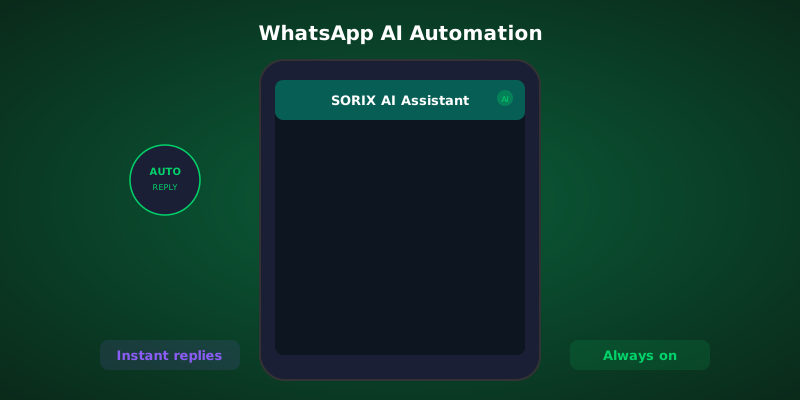
Set up WhatsApp Business automation to handle leads, bookings, and support 24/7. Step-by-step guide with real examples.
Why WhatsApp Automation Matters
WhatsApp has 2 billion active users and a 98% message open rate. In Belgium and across Europe, it is the preferred messaging platform for customer communication. Yet most businesses still handle WhatsApp manually, creating bottlenecks and missed messages.
WhatsApp Business API vs WhatsApp Business App
WhatsApp Business App (free): Limited to one device, basic auto-replies, no API access. Fine for solopreneurs handling under 20 messages daily.
WhatsApp Business API: Unlimited agents, full automation capabilities, CRM integration, broadcast messaging. Required for serious automation.
What You Can Automate
Lead Capture and Qualification
- Auto-respond to new messages with a greeting and qualifying questions
- Collect contact info and store it directly in your CRM
- Route leads to the right team member based on their answers
Appointment Booking
- Let customers book directly through WhatsApp conversation
- Send automated confirmations and reminders
- Handle rescheduling without human intervention
Order Updates
- Automatic order confirmation messages
- Shipping notifications with tracking links
- Delivery confirmation and feedback requests
Customer Support
- Answer FAQs instantly using AI trained on your knowledge base
- Escalate complex issues to human agents with full conversation context
- Send satisfaction surveys after resolution
Setup Process
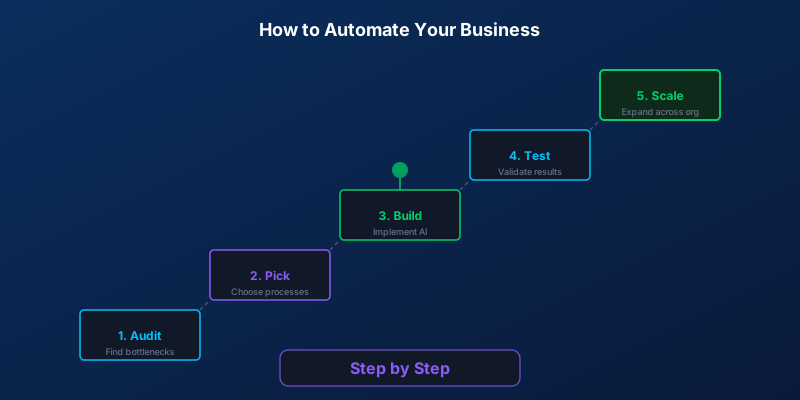
Step 1: Apply for WhatsApp Business API access (through a BSP like 360dialog or official Meta partners)
Step 2: Verify your business and phone number
Step 3: Design your conversation flows (greeting, menu, qualification, booking)
Step 4: Connect to your backend systems (CRM, calendar, order management)
Step 5: Train your AI on common questions and responses
Step 6: Test thoroughly before going live
Costs and ROI
WhatsApp API pricing is conversation-based:
- Business-initiated: 0.05 to 0.15 EUR per conversation
- User-initiated: 0.02 to 0.08 EUR per conversation
Most businesses see ROI within 30 days through reduced support costs and increased conversion rates.
Common Mistakes to Avoid
- Sending too many broadcast messages (leads to bans)
- Not having a human handoff option
- Ignoring the 24-hour response window rules
- Using generic, robotic language
Let us build your WhatsApp automation and start converting conversations into customers.
Writer at SORIX, the AI Automation Studio in Brussels. Building chatbots, voice agents, and automations for businesses across Europe and beyond.